How to Run a 24/7 Kids Channel on YouTube
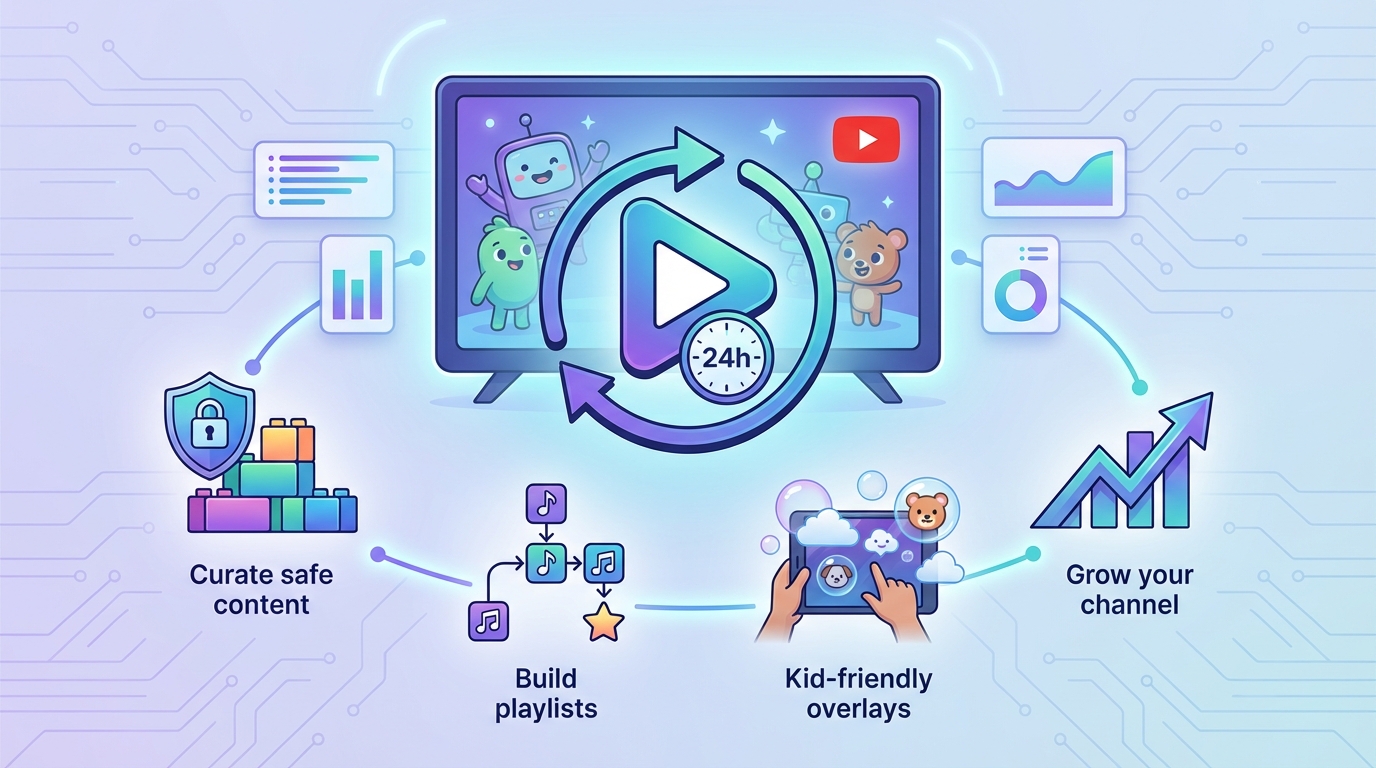
A complete guide to creating and running a 24/7 kids channel on YouTube. Learn how to curate safe content, build playlists, add kid-friendly overlays, and grow your channel.
Why Kids Channels Thrive with 24/7 Streaming
Kids channels are among the most-watched live streams on YouTube. Parents love having a safe, curated channel they can put on for their children at any time of day. Unlike on-demand videos where kids might wander to inappropriate content, a 24/7 live stream keeps them on a single, controlled channel.
The numbers speak for themselves:
Kids content consistently ranks among the highest watch-time categories on YouTube
Parents often leave 24/7 kids streams running for hours, generating massive watch time
The always-on nature means your channel accumulates views and subscribers around the clock
YouTube's algorithm favors live content, giving your channel extra visibility
Planning Your Kids Channel
Choose Your Niche
Kids content is broad. Picking a specific niche helps you stand out:
Nursery rhymes and songs: classic children's music with colorful animations
Educational content: alphabet, numbers, colors, shapes, science basics
Storytelling: animated stories, fairy tales, bedtime stories
Cartoons and animation: original or licensed animated content
Nature and animals: wildlife footage with kid-friendly narration
Arts and crafts: drawing tutorials, DIY projects for kids
Content Guidelines
Safety is the top priority for kids content:
Age-appropriate only: every video must be suitable for your target age group
No scary content: avoid anything that could frighten young viewers
No ads for inappropriate products: be mindful of what appears in your content
COPPA compliance: if your channel is designated as "made for kids" on YouTube, certain features (like comments and personalized ads) are automatically restricted
Consistent quality: parents trust channels that maintain a consistent standard
Setting Up Your 24/7 Kids Stream
Step 1: Prepare Your Content
Before going live, build a solid content library:
Upload your videos to playout.video's media library
Organize into folders by theme:
Nursery RhymesLearning ColorsCounting SongsBedtime StoriesAnimal Adventures
Make sure all videos are fully processed before adding to playlists
Content length tip: Keep individual videos between 3-10 minutes. This matches children's attention spans and creates natural transition points in your stream.
Step 2: Create Your Stream
Click Create Live Stream on the dashboard
Name it something descriptive (e.g., "Kids Learning Channel 24/7")
Set quality to 1080p 30fps (included on every plan, and perfect for kids content)
Set aspect ratio to 16:9 (standard for YouTube)
Step 3: Build Your Playlist
Create an engaging playlist that keeps kids watching:
Open the Playlist panel
Add videos from your library
Mix content types: alternate between songs, educational content, and stories to maintain variety
The playlist loops automatically, so kids always have something to watch
Playlist strategy:
Start with your most engaging, colorful content
Alternate between high-energy and calm content
Place educational content between entertainment pieces
Use inline mode for special holiday or seasonal content
Step 4: Add Kid-Friendly Overlays
Use the Composition Editor to make your stream visually appealing:
Channel logo: place a colorful logo in the corner for branding
Now Playing display: show the current video title so parents know what's on
Colorful frame or border: add a fun border around the video
Subscribe reminder: a gentle, kid-friendly "Subscribe" graphic
Step 5: Connect YouTube and Go Live
Add your YouTube channel as a destination
Enable Auto Start
Click Start Stream
Your 24/7 kids channel is now live.
Growing Your Kids Channel
Optimize for YouTube Search
Parents search for specific content. Optimize your stream metadata:
Title: include keywords like "24/7", "kids", and your content type (e.g., "24/7 Kids Nursery Rhymes and Learning Songs Live Stream")
Description: describe what's playing, include keywords, and mention that it's safe for children
Tags: use relevant tags like "kids songs", "nursery rhymes", "children's music", "learning for kids"
Thumbnail: create a bright, colorful custom thumbnail that clearly shows it's kids content
Content Rotation
Keep your channel fresh by regularly adding new content:
Weekly: add at least 2-3 new videos to your library
Monthly: refresh your playlist order to keep things interesting
Seasonally: use inline mode for holiday-themed content (Christmas songs, Halloween stories, etc.)
Engage Parents
While kids are the viewers, parents are the decision-makers:
Create content that parents feel good about their kids watching
Include educational elements that parents value
Maintain a consistent, trustworthy brand
Respond to comments (if enabled) to build community trust
Cross-Platform Potential
Consider multistreaming to reach more families:
YouTube: your primary platform for 24/7 streaming
Facebook: many parent communities are active on Facebook
TikTok: short clips from your stream can go viral and drive viewers to your main channel
Monetization
Kids channels can generate significant revenue:
YouTube ads: ads play automatically on live streams (note: "made for kids" channels have limited ad types)
Channel memberships: once eligible, offer memberships for exclusive content
Merchandise: branded kids merchandise (t-shirts, toys, books)
Licensing: popular characters or songs can be licensed to other creators
Important: YouTube's monetization policies for kids content are specific. Familiarize yourself with YouTube's "made for kids" designation and how it affects ad revenue and features.
Safety and Compliance
COPPA (Children's Online Privacy Protection Act)
If your content is directed at children under 13:
Designate your channel as "made for kids" in YouTube Studio
Comments will be automatically disabled
Personalized ads won't be shown (but contextual ads still run)
Some interactive features will be limited
Content Moderation
Review every video before adding it to your playlist
Remove any content that receives complaints
Monitor your stream periodically to ensure everything is playing correctly
YouTube Community Guidelines
Follow all YouTube community guidelines strictly
Avoid any content that could be flagged as inappropriate for children
Keep your channel in good standing to maintain monetization eligibility
Example Kids Channel Setups
Nursery Rhyme Channel
Content: 50+ nursery rhyme videos (3-5 minutes each)
Playlist: all songs on loop with shuffle disabled (parents expect familiar sequences)
Overlays: colorful logo, now-playing display, subscribe reminder
Schedule: 24/7 on YouTube
Educational Learning Channel
Content: alphabet, numbers, colors, shapes, science videos
Playlist: organized by topic (morning: alphabet/numbers, afternoon: colors/shapes, evening: stories)
Overlays: educational-themed border, topic indicator, channel logo
Schedule: use inline mode to switch between topic playlists at different times of day
Bedtime Stories Channel
Content: calm, soothing stories with gentle animation
Playlist: longer stories (10-20 minutes) with soft transitions
Overlays: minimal, calming design with soft colors
Schedule: 24/7, but could use inline mode for "daytime stories" vs. "bedtime stories"
Troubleshooting
Viewers complain about repetitive content?
Add more videos to your library regularly
Use a longer playlist to reduce how often content repeats
Rotate playlist order monthly
Watch time is high but subscribers are low?
Add a subscribe reminder overlay
Include a verbal call-to-action in your video content
Create a compelling channel trailer
YouTube flagged my content?
Review the flagged content and remove if necessary
Appeal if you believe the flag is incorrect
Ensure all content strictly follows YouTube's kids content policies
Next Steps
How to Create Your First 24/7 Live Stream: complete setup guide
Building and Managing Playlists: advanced playlist management
Using the Overlay and Composition Editor: add kid-friendly overlays
How 24/7 Streaming Boosts Your YouTube Watch Hours and Revenue: maximize your channel's growth