The Complete Guide to Multistreaming in 2026
Everything you need to know about multistreaming in 2026. Compare platforms, understand the technology, and learn how to broadcast to multiple platforms simultaneously.
What Is Multistreaming?
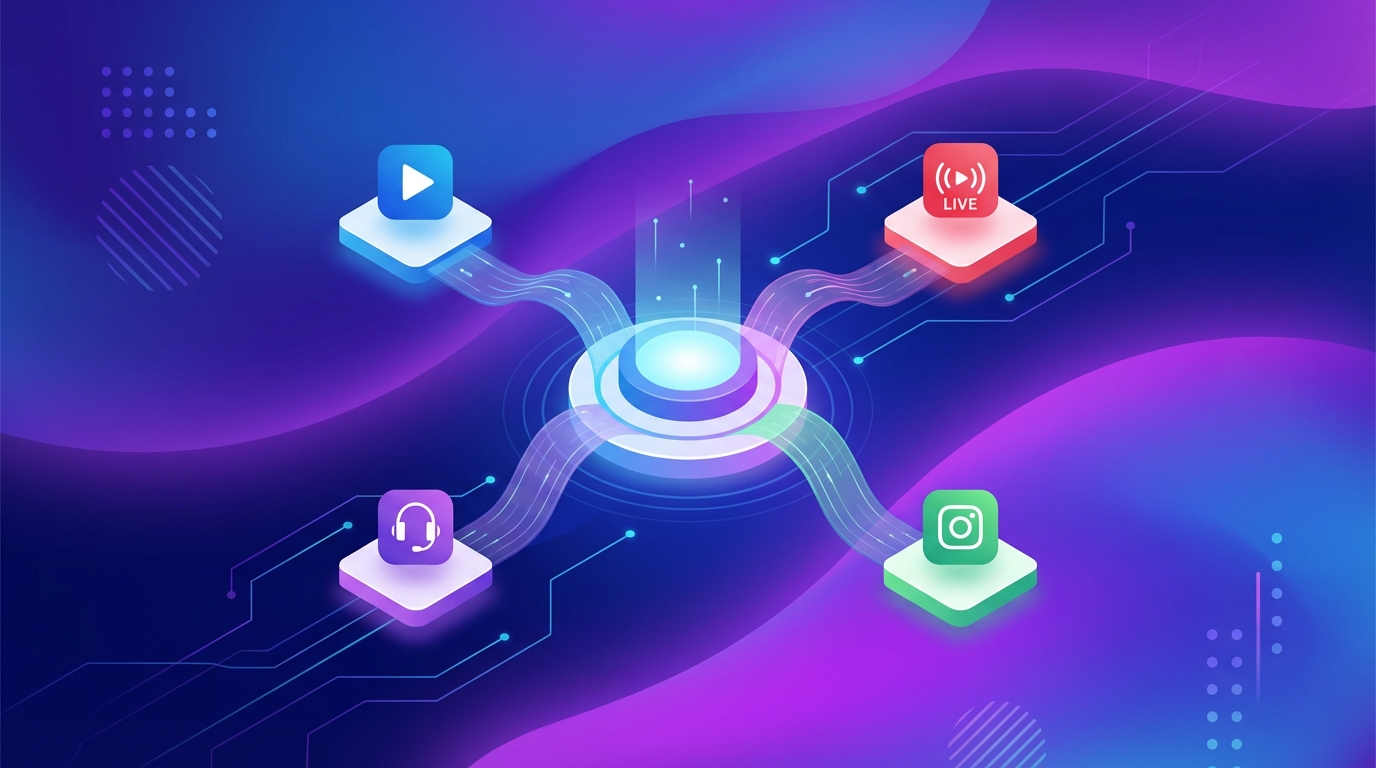
Multistreaming (also called simulcasting) is the practice of broadcasting a single live stream to multiple platforms at the same time. Instead of choosing between YouTube or Twitch, you stream to both, plus TikTok, Facebook, and any other platform you want to reach.
The concept is simple: one source, many destinations. Your content reaches the maximum possible audience without creating separate streams for each platform.
Why Multistreaming Matters in 2026
The live streaming landscape in 2026 is more fragmented than ever. Viewers are spread across dozens of platforms, each with its own community and culture:
YouTube dominates long-form and 24/7 content
Twitch leads in gaming and interactive entertainment
TikTok has become a major live streaming platform with a massive mobile audience
Facebook remains strong for community-based content
Instagram is growing its live features
LinkedIn is the go-to for professional streaming
Kick, Rumble, and others are gaining traction in specific niches
No single platform captures the entire audience. Multistreaming solves this by putting your content everywhere your potential viewers might be.
The Numbers
Creators who multistream report 2-5x more total viewers compared to single-platform streaming
73% of live stream viewers have a preferred platform and rarely watch on others
Multistreaming can reduce cost per viewer by spreading fixed streaming costs across more viewers
Cross-platform presence leads to faster overall audience growth
How Multistreaming Works
The Technical Basics
At its core, multistreaming works by taking a single encoded video stream and distributing it to multiple destinations. There are three main approaches:
1. Software-Based (OBS + Plugins)
Using OBS with plugins like obs-multi-rtmp, your computer encodes the stream once and sends it to multiple RTMP endpoints. The downside: each additional destination uses more of your upload bandwidth and CPU power.
2. Cloud Relay Services
Services like Restream.io receive your single stream and relay it to multiple platforms. You send one stream to the relay service, and it distributes to your destinations. This reduces bandwidth requirements but adds a middleman.
3. Cloud-Native Platforms
Platforms like playout.video handle everything in the cloud. Your content is stored and encoded on cloud servers, then distributed to all destinations directly. No local bandwidth, no local CPU usage, no middleman.
Which Approach Is Best?
For 24/7 streaming, cloud-native platforms are the clear winner:
Factor | OBS + Plugins | Cloud Relay | Cloud-Native |
|---|---|---|---|
Local bandwidth needed | High (per destination) | Medium (one stream) | None |
Local CPU usage | High | Medium | None |
24/7 reliability | Low (hardware dependent) | Medium | High |
Setup complexity | High | Medium | Low |
Cost | Free (+ hardware) | $16-49/mo | $29-79/mo |
Auto-recovery | No | Partial | Yes |
Content storage | Local | No | Yes (cloud) |
For live, interactive streams where you're at your computer anyway, OBS + plugins or cloud relay services work fine. For automated 24/7 streams, cloud-native is the way to go.
Platform Comparison for Multistreaming
YouTube
Strengths:
Largest platform for 24/7 and long-form live content
Strong search and recommendation algorithm
Monetization through ads, Super Chats, and memberships
DVR feature lets viewers rewind live streams
YouTube Analytics provides detailed performance data
Considerations:
Can take time to build initial viewership
Monetization requires 4,000 watch hours + 1,000 subscribers
Content moderation is strict
Best for: 24/7 streams, music channels, educational content, kids content
Twitch
Strengths:
Highly engaged community culture
Strong for gaming and entertainment
Subscription and bits monetization
Raids and hosts help with discovery
Active chat culture
Considerations:
Twitch previously had exclusivity requirements for partners (now relaxed)
Primarily gaming-focused audience
Less effective for 24/7 pre-recorded content compared to YouTube
Best for: gaming content, interactive entertainment, community-focused streams
TikTok
Strengths:
Massive, primarily mobile audience (1B+ monthly users)
Powerful discovery algorithm (For You feed)
Younger demographic that's hard to reach elsewhere
Live content gets prominent placement
Considerations:
May require minimum follower count for live streaming
Vertical (9:16) content performs best
Shorter attention spans, need engaging content
Limited monetization compared to YouTube
Best for: short-form content compilations, music, trending content, reaching younger audiences
Strengths:
Large user base with diverse demographics
Strong for community and group-based content
Facebook Pages provide good analytics
Notifications to page followers when going live
Stars and fan subscriptions for monetization
Considerations:
Organic reach has declined over the years
Less focused on live content than YouTube or Twitch
Personal profile streams have duration limits
Best for: community content, church/nonprofit streaming, local businesses, group-focused content
Strengths:
Visual-first platform with engaged users
Instagram Live has prominent placement in the app
Good for brand awareness and community building
Cross-promotion with Instagram posts and stories
Considerations:
Primarily mobile viewing
Limited stream duration
Less suited for 24/7 content
Vertical format required
Best for: brand awareness, behind-the-scenes content, product showcases
Strengths:
Professional audience
Excellent for B2B content and thought leadership
LinkedIn Live events get high engagement
Growing live streaming features
Considerations:
Smaller live streaming audience
Professional content expectations
Limited monetization options
Best for: business content, professional development, industry events, webinars
Custom RTMP Platforms (Rumble, Kick, etc.)
Strengths:
Growing audiences looking for alternatives to mainstream platforms
Often less competitive, easier to stand out
Some platforms offer competitive monetization
Niche communities can be highly engaged
Considerations:
Smaller audiences overall
Less sophisticated algorithms and discovery
Platform stability varies
Require manual RTMP setup
Best for: reaching niche audiences, diversifying platform risk, early adoption advantage
Setting Up Multistreaming with playout.video
Step 1: Connect Your Platforms
Connect all the platforms you want to stream to:
OAuth platforms (YouTube, Twitch, Facebook, TikTok, Instagram, LinkedIn): one-click connection through the Channels page
Custom RTMP platforms (Rumble, Kick, Telegram, etc.): enter the RTMP URL and stream key when adding a destination
Step 2: Add Destinations to Your Stream
For each live stream, add the platforms you want to broadcast to:
Open your stream's management page
Go to Destinations
Add each platform as a destination
Enable Auto Start on platforms you want to always be live
Optionally schedule specific platforms for peak hours only
Step 3: Configure Platform-Specific Settings
Each destination can have its own settings:
Stream title and description (for platforms that support it)
Visibility settings (public, unlisted, etc.)
Auto Start on/off
Step 4: Go Live
Click Start Stream. All Auto Start destinations begin broadcasting simultaneously. You can start and stop individual destinations at any time without affecting others.
Advanced Multistreaming Strategies
Platform-Specific Scheduling
Not every platform needs to run 24/7. Schedule destinations based on each platform's peak hours:
YouTube: 24/7 (always on)
Twitch: 24/7 or peak gaming hours
TikTok: 6 PM - 11 PM daily (peak mobile usage)
Facebook: 9 AM - 9 PM (active hours)
LinkedIn: 9 AM - 5 PM weekdays (business hours)
Use playout.video's scheduling feature to automate destination start/stop times.
Aspect Ratio Strategy
Different platforms prefer different aspect ratios:
16:9 (landscape): YouTube, Twitch, Facebook, LinkedIn
9:16 (vertical): TikTok, Instagram
1:1 (square): works acceptably on all platforms
Option A: Single stream, landscape format. Stream 16:9 to all platforms. YouTube and Twitch look perfect. TikTok and Instagram show letterboxed content, which is acceptable.
Option B: Two streams, optimized formats. Run a 16:9 stream for YouTube/Twitch/Facebook and a separate 9:16 stream for TikTok/Instagram. More work, but optimal viewing experience on each platform.
Content Optimization
Tailor your content strategy knowing it reaches multiple platforms:
Universal appeal: choose content that works across platform cultures
Engaging visuals: important for TikTok's scroll-happy audience
Professional quality: LinkedIn viewers expect polished content
Community elements: Twitch viewers appreciate interactive elements
Analytics Across Platforms
Monitor performance on each platform to understand where your audience is:
Which platform generates the most viewers?
Which platform has the longest average watch time?
Which platform drives the most subscriber/follower growth?
Which platform generates the most revenue?
Use these insights to adjust your strategy. You might discover that TikTok drives discovery while YouTube drives revenue, informing how you allocate effort.
Multistreaming Myths
"Multistreaming splits my audience"
False. Each platform has a largely separate audience. A viewer on Twitch is unlikely to also be watching your YouTube stream. Multistreaming reaches more total unique viewers, not fewer.
"Platforms penalize multistreaming"
False. YouTube, Twitch (for non-partners), Facebook, TikTok, and other platforms all allow simultaneous streaming. Twitch previously had exclusivity requirements for partners, but these have been significantly relaxed.
"Quality suffers with more destinations"
False (with cloud streaming). Cloud-native platforms like playout.video encode once and distribute to all destinations at the same quality. Adding more destinations doesn't affect quality.
"It's too complicated to manage"
Not with the right tools. Cloud platforms handle all the technical complexity. You add destinations, click start, and everything runs automatically.
"I should focus on one platform first"
This was good advice when multistreaming was technically difficult. In 2026, with cloud platforms handling everything, there's no reason not to multistream from day one. You can always focus your community-building efforts on one platform while passively reaching others.
The Future of Multistreaming
Multistreaming is becoming the default rather than the exception. As more platforms add live streaming features and audiences continue to fragment, reaching viewers where they are becomes increasingly important.
Trends to watch:
More platforms: new streaming platforms continue to emerge
Better tools: multistreaming tools are becoming simpler and more powerful
Platform interoperability: some platforms are exploring cross-platform features
AI-powered optimization: automatic content adaptation for different platforms
Vertical streaming growth: mobile-first platforms are driving demand for vertical content
Getting Started
If you're not multistreaming yet, now is the time to start:
Sign up for playout.video (free plan, no credit card)
Connect your platform accounts
Create your stream and build your playlist
Add all your platforms as destinations
Start streaming to everywhere at once
The setup takes less than 10 minutes, and you'll immediately reach a larger audience than streaming to a single platform.
Related articles: