Tag

Tutorial

14 articles tagged with “Tutorial

How to Run a Live Sports Watch Party With Multiple Hosts

Running a multi-host sports watch party: fan reactions, pre-game and post-game panels, live commentary, and the legal nuances of streaming around copyrighted broadcasts.

6 min
TutorialSports

Gaming Co-Streams Without OBS: Live Studio for Streamers

How gaming streamers can run co-streams, watch parties, and esports panels without OBS: using Live Studio for browser-based multi-streamer broadcasts that look broadcast-grade.

6 min
TutorialLive Studio

How to Stream a Class on Twitch and YouTube at Once

A practical guide for educators streaming a class to Twitch and YouTube simultaneously: student remote attendance, screen sharing, recording for replay, and the operating tips that keep classes engaging.

7 min
TutorialMultistreaming

The Ultimate Multistreaming Guide for 2026

How to stream to YouTube, Twitch, TikTok, Kick, Facebook, LinkedIn, and any custom RTMP target: at the same time. Strategy, setup, and the discipline that keeps multi-platform broadcasts coherent.

6 min
TutorialMultistreaming

How to Run a 24/7 Movie Marathon Channel

A practical guide to running a 24/7 movie marathon channel: content sourcing, programming for time zones, themed nights, and the licensing rules you absolutely cannot ignore.

6 min
TutorialScheduling

How to Build a 24/7 Lo-Fi Stream That Never Drops Out

A complete playbook for building a 24/7 lo-fi music stream: content sourcing, programming, branding, and the reliability setup that keeps it running for years without dropping out.

6 min
TutorialReliability

TV-Style Programming on YouTube: Why and How

YouTube channels that program their content like a TV network (different shows at different times, recurring weekly schedules) outperform random uploaders. Here's why, and how to build one.

5 min
YouTubeTutorial

How Churches Can Stream Sermons With Multiple Speakers

A practical guide for church AV teams streaming sermons, worship sets, and prayer services with multiple speakers, remote guests, and a 24/7 worship channel: all from a browser.

6 min
TutorialLive Studio

How to Run a Weekly Interview Show: A Live Studio Playbook

A repeatable playbook for running a weekly interview show. Format, prep, run-of-show, layout switches, and post-show: everything you need to make episode 50 as smooth as episode 1.

5 min
TutorialLive Studio

How to Stream a Podcast With Multiple Guests: No Software Required

Run a live video podcast with multiple guests, broadcast it to YouTube, Twitch, and LinkedIn at once, and record the master file: all from your browser.

6 min
TutorialPodcast
The Complete Guide to Multistreaming in 2026

The Complete Guide to Multistreaming in 2026

Everything you need to know about multistreaming in 2026. Compare platforms, understand the technology, and learn how to broadcast to multiple platforms simultaneously.

9 min
TutorialMultistreaming
OBS vs Cloud Streaming: Why You Don't Need Hardware Anymore

OBS vs Cloud Streaming: Why You Don't Need Hardware Anymore

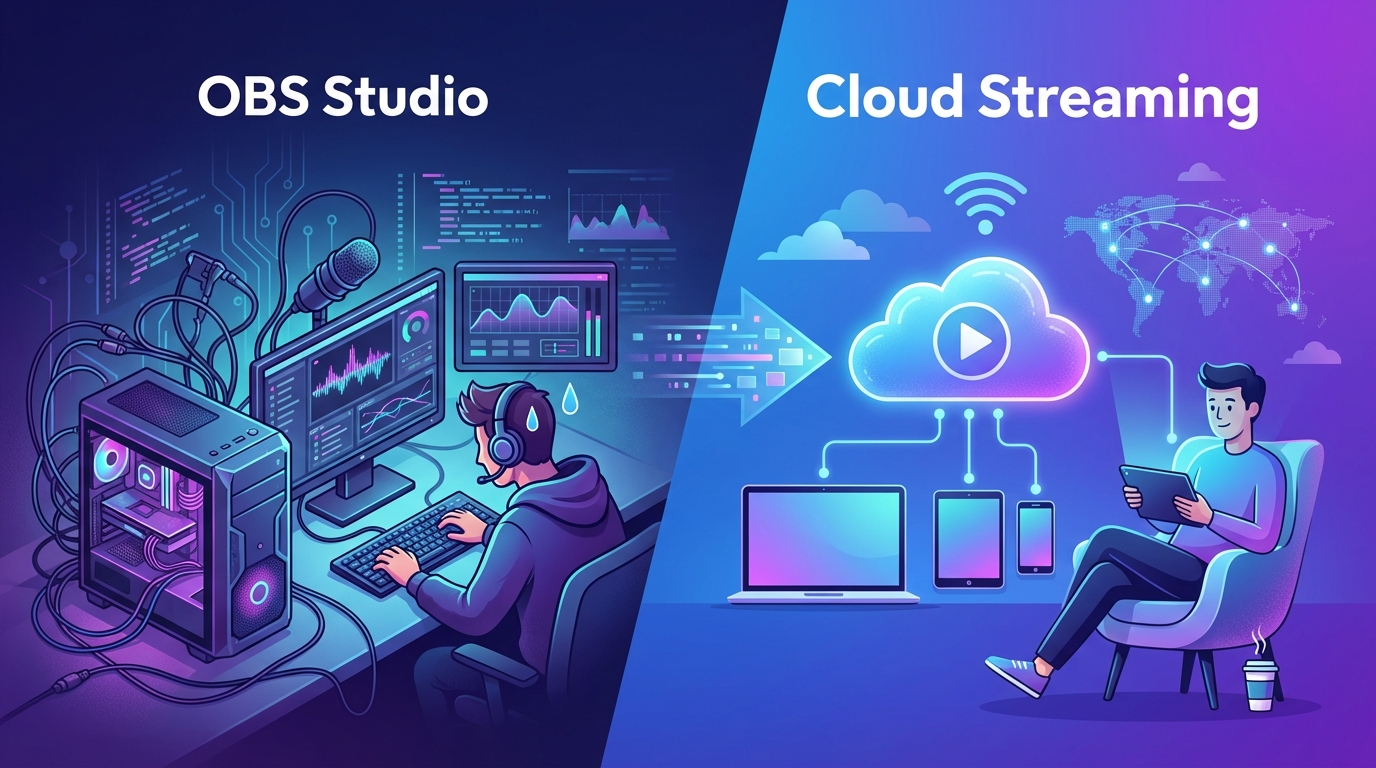
Compare OBS Studio with cloud-based streaming platforms like playout.video. Discover why cloud streaming eliminates the need for dedicated hardware, constant monitoring, and technical headaches.

7 min
TutorialTips
How to Stream to YouTube, Twitch, and TikTok Simultaneously

How to Stream to YouTube, Twitch, and TikTok Simultaneously

A step-by-step guide to multistreaming your content to YouTube, Twitch, and TikTok at the same time using playout.video. Reach 3x the audience with zero extra effort.

6 min
YouTubeTwitch
What Is 24/7 Live Streaming and Why You Should Start Today

What Is 24/7 Live Streaming and Why You Should Start Today

Discover what 24/7 live streaming is, how it works, and why creators, businesses, and organizations are using it to grow their audience, boost watch hours, and reach viewers around the globe.

8 min
TutorialGrowth

We use cookies

We use cookies to ensure you get the best experience on our website. For more information on how we use cookies, please see our policy.

By clicking "Accept", you agree to our use of cookies.
Learn more.