AI Host for Live Game Shows: What to Hand Over and What to Keep
An AI host can read questions, keep time and announce winners during a live quiz or poll. Here is what to give it, what to keep for yourself, and how to tell viewers.
7 min
TipsPoll
16 articles tagged with “Tips”
An AI host can read questions, keep time and announce winners during a live quiz or poll. Here is what to give it, what to keep for yourself, and how to tell viewers.
Thirty-six poll questions you can run on your next live stream, for gaming, talk, music, church, education and brand shows, plus tips on writing options and timing the vote.
Viewers can answer a live quiz or poll in chat or on a second screen. Here are the honest trade-offs of each, and why running both usually works best.
An honest look at where live streaming is in 2026: the platforms winning, the formats compounding, the production stack consolidating, and what creators should bet on for the next two years.
Twelve specific live show formats that work on Live Studio: interviews, panels, classes, tournaments, watch parties, sermons, and more. Ideas, structure, and pointers to deeper guides.
The honest answer to whether 4K live streaming is worth it. What your viewers actually receive, what they actually see, and when 4K earns its bandwidth cost.
Every live show is a goldmine of short-form content. Here's the system for turning a 60-minute broadcast into 8 vertical clips that grow your audience while you sleep.
On playout.video, calendar building is free on every plan and only running the automation is paid. Here is how to use that to design, rehearse, and validate a whole programmed channel before spending anything.
Virtual backgrounds done right look like real broadcast sets. Done badly, they look like Zoom calls. Here's the gap, and how to cross it for live streams that look professional.

Brand consistency across a large video library is the difference between a hobby channel and a media company. Here's how to design and operate a system that scales: without rebuilding every video.
What it takes to run a stream that doesn't drop, doesn't freeze, and doesn't go offline at 3am when no one's watching. The reliability principles that keep playout.video Live Channels running.
The seven layouts that cover 95% of live streaming situations, from solo monologues to four-guest panels, with examples of when each one earns its place on screen.
An honest comparison of Live Studio against the popular streaming tools: OBS, StreamYard, and Restream. Which one's right for your show, your guests, and your goals?

Discover 10 creative ways businesses can use 24/7 live streaming to boost brand visibility, engage customers, train employees, and generate leads around the clock.
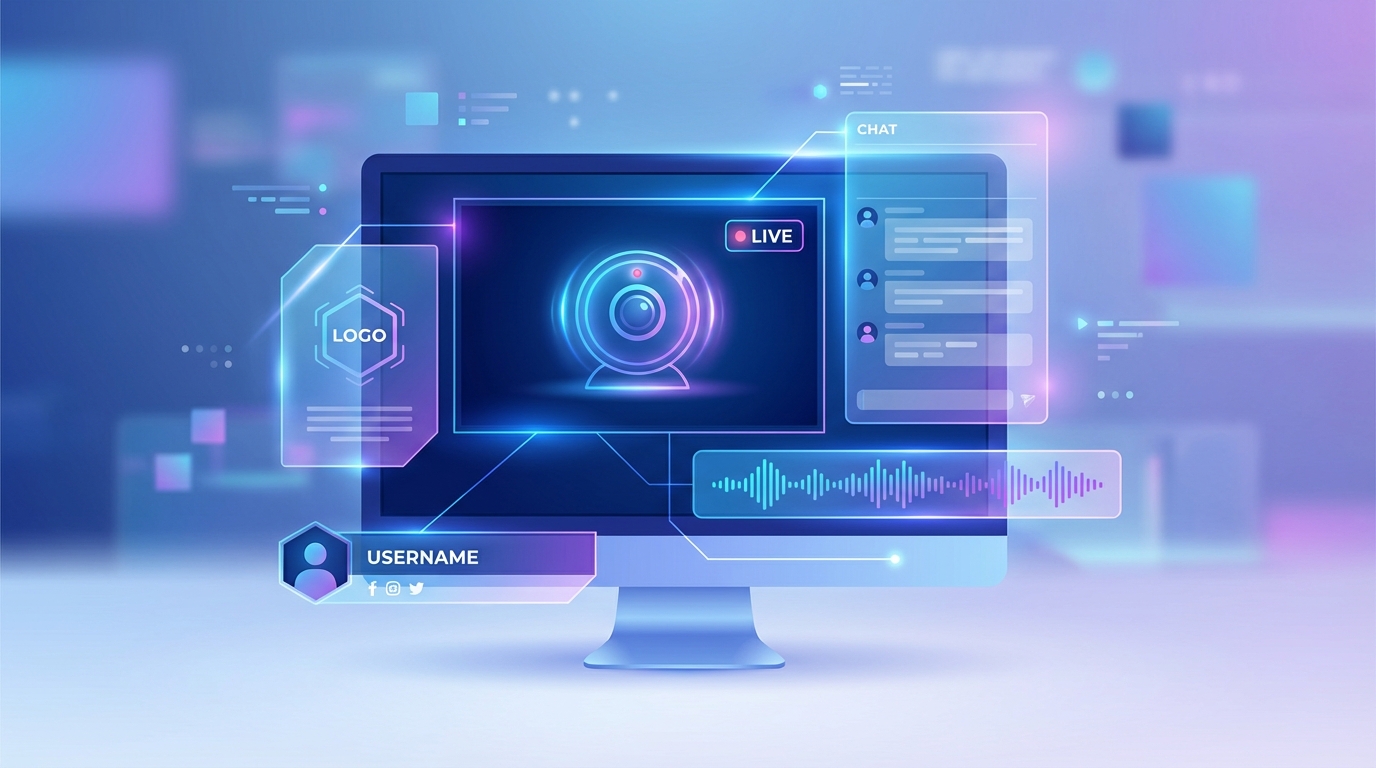
Learn how to design professional, eye-catching overlays for your live stream. Tips on logos, text, audio visualizers, color schemes, and layout that keep viewers engaged.
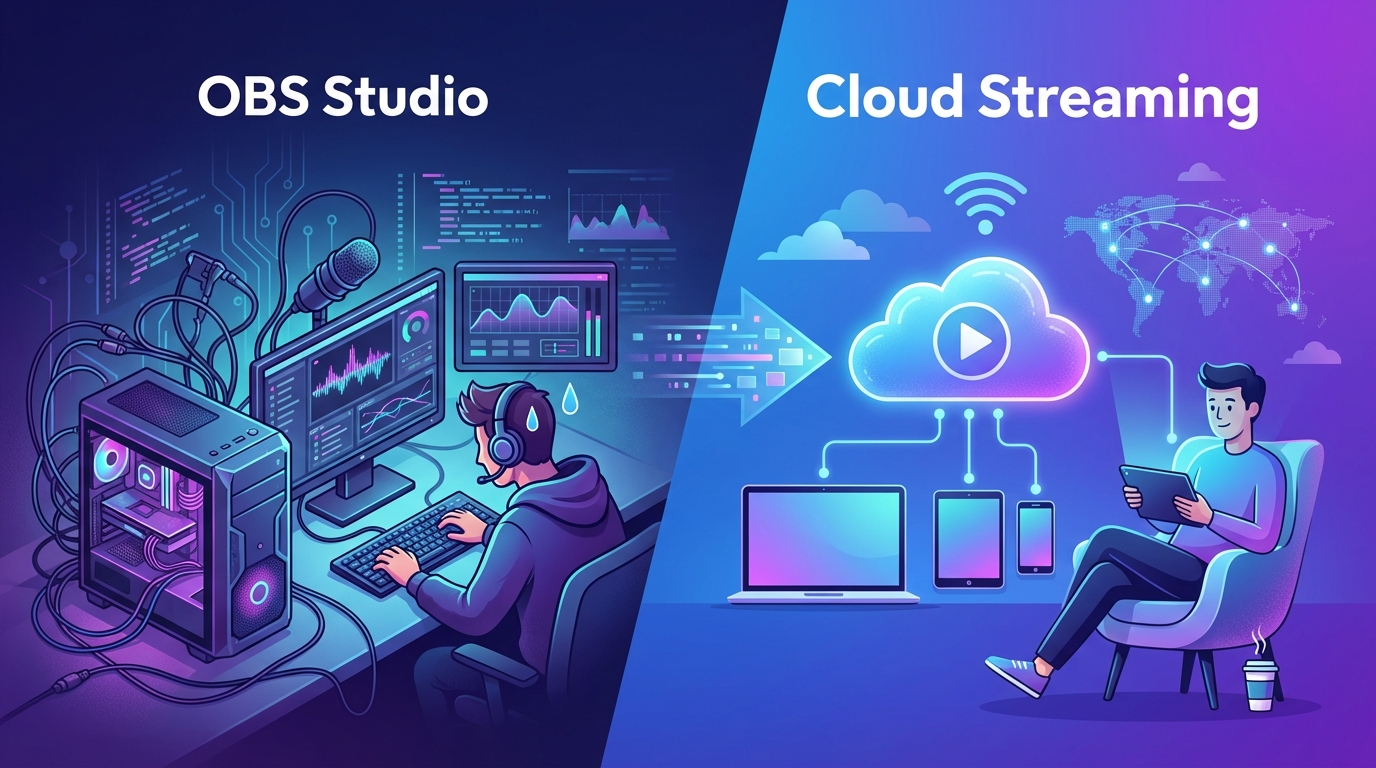
Compare OBS Studio with cloud-based streaming platforms like playout.video. Discover why cloud streaming eliminates the need for dedicated hardware, constant monitoring, and technical headaches.
We use cookies to ensure you get the best experience on our website. For more information on how we use cookies, please see our policy.
By clicking "Accept", you agree to our use of cookies.
Learn more.